Reversing XOR encryption in a CTF
4 minutes read •
My very first CTF at UHU
I decided to participate on my first CTF with a group of students wich were also new organizing this kind of events.
This post is about what they teach to us to begin using Ghidra to reverse engineering.
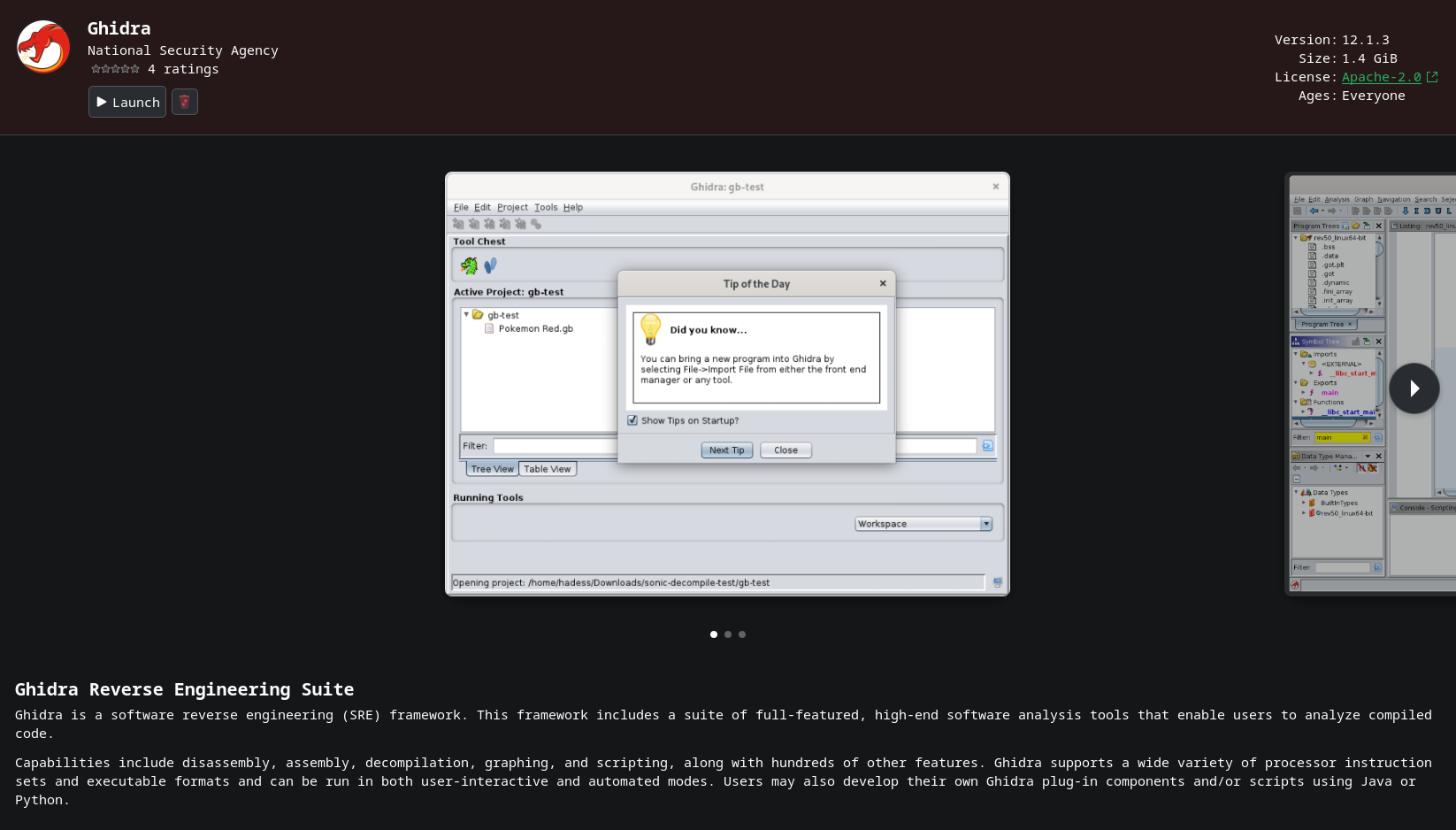
1. Installing Ghidra
I decided to download it via Discover (Flatpak) to reduce the friction of installing the program.
2. Ghidra new project
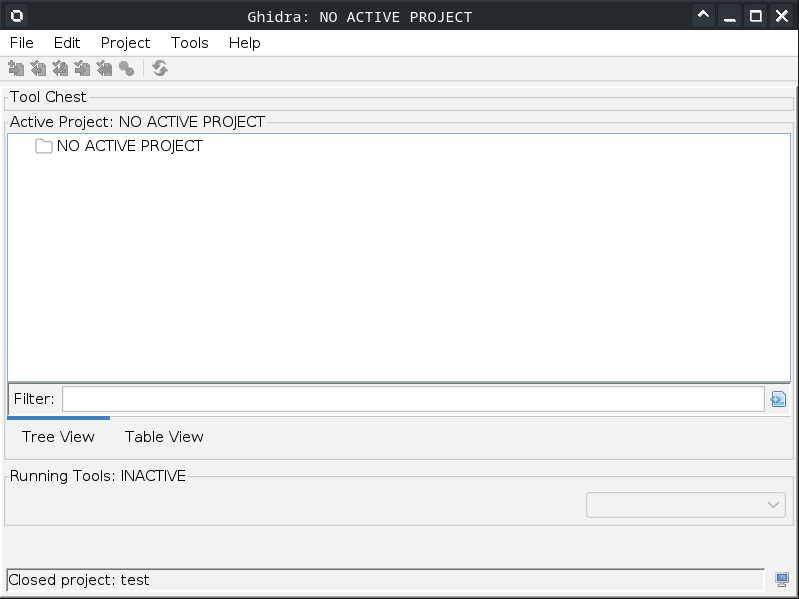
Once we opened the program, we have to create a new project.
File > New Project > Non-Shared project > Next > Type a name for the project > Finish.
Download the .exe I’m going to analyze by clicking here.
Import the file to the project doing click to File > Import File and selecting it.
Should look similar to the following image.
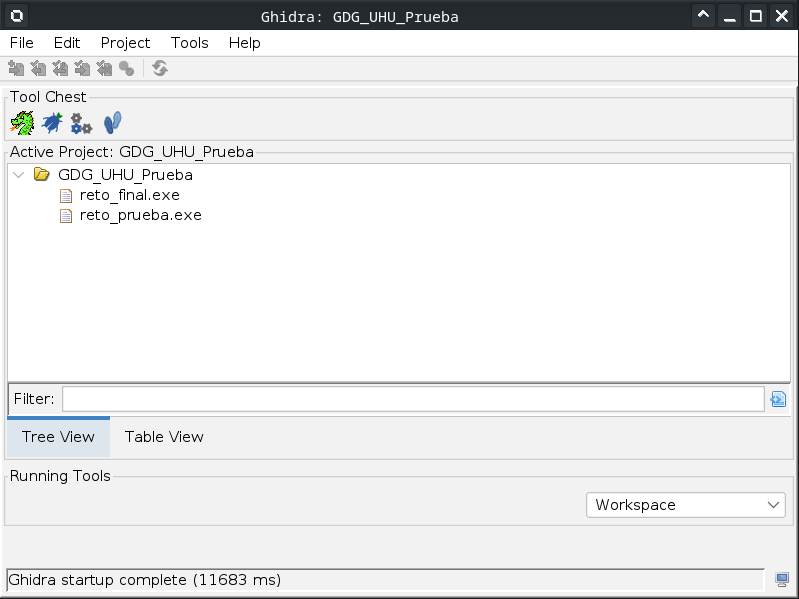
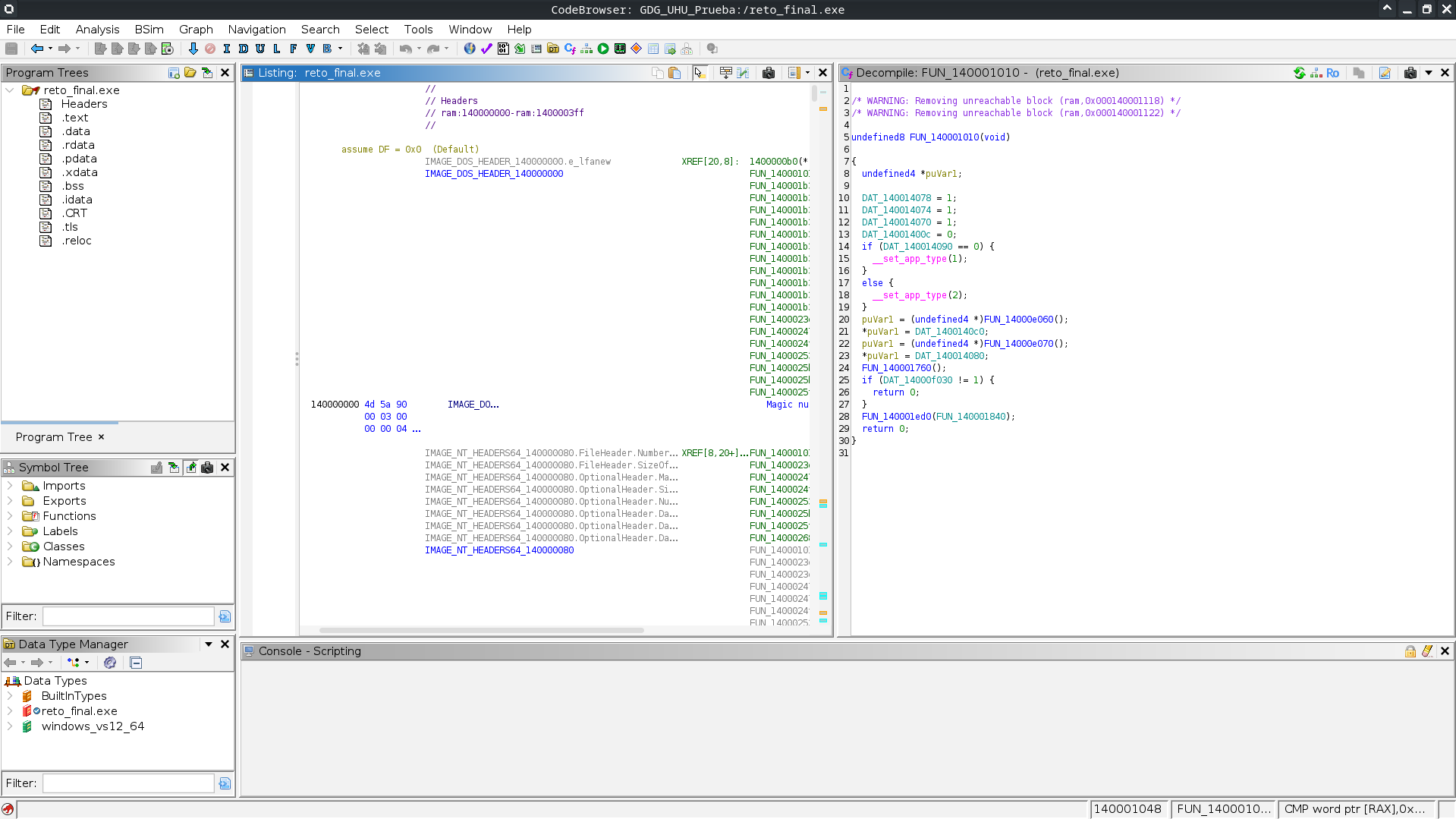
Double click the .exe file under folder with the name of the project.
A dragon image should splash on the screen, after that, you should see something similar to this.
3. Runing the .exe file
In my case, as I’m using linux, I’ll use wine to run the .exe file.

As you can see, we have some strings to begin with out of running the program.
4. Finding uses of the strings
On CodeBrowser window, click to Window > Defined Strings and let’s search one of the strings we saw earlier. For example, ACCESO DENEGADO.
Use the search bar Filter: and write there the string and double click on the red squared text.
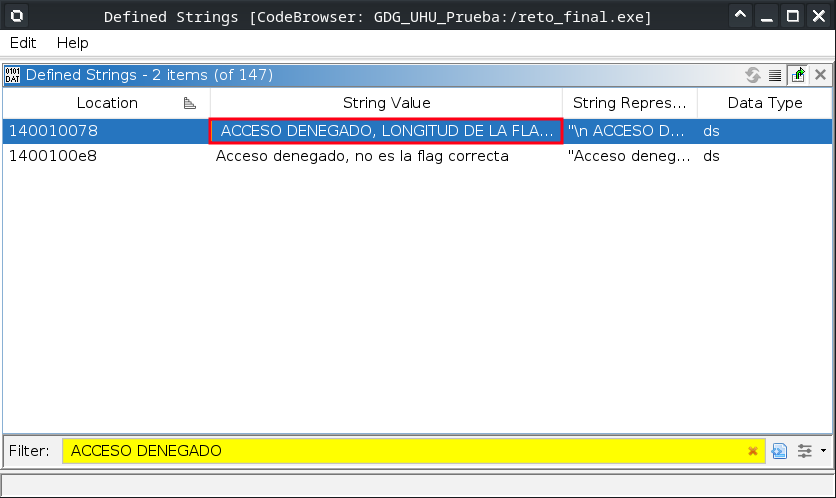
As you can see, CodeBrowser left window, jumped into the section where it used the string.
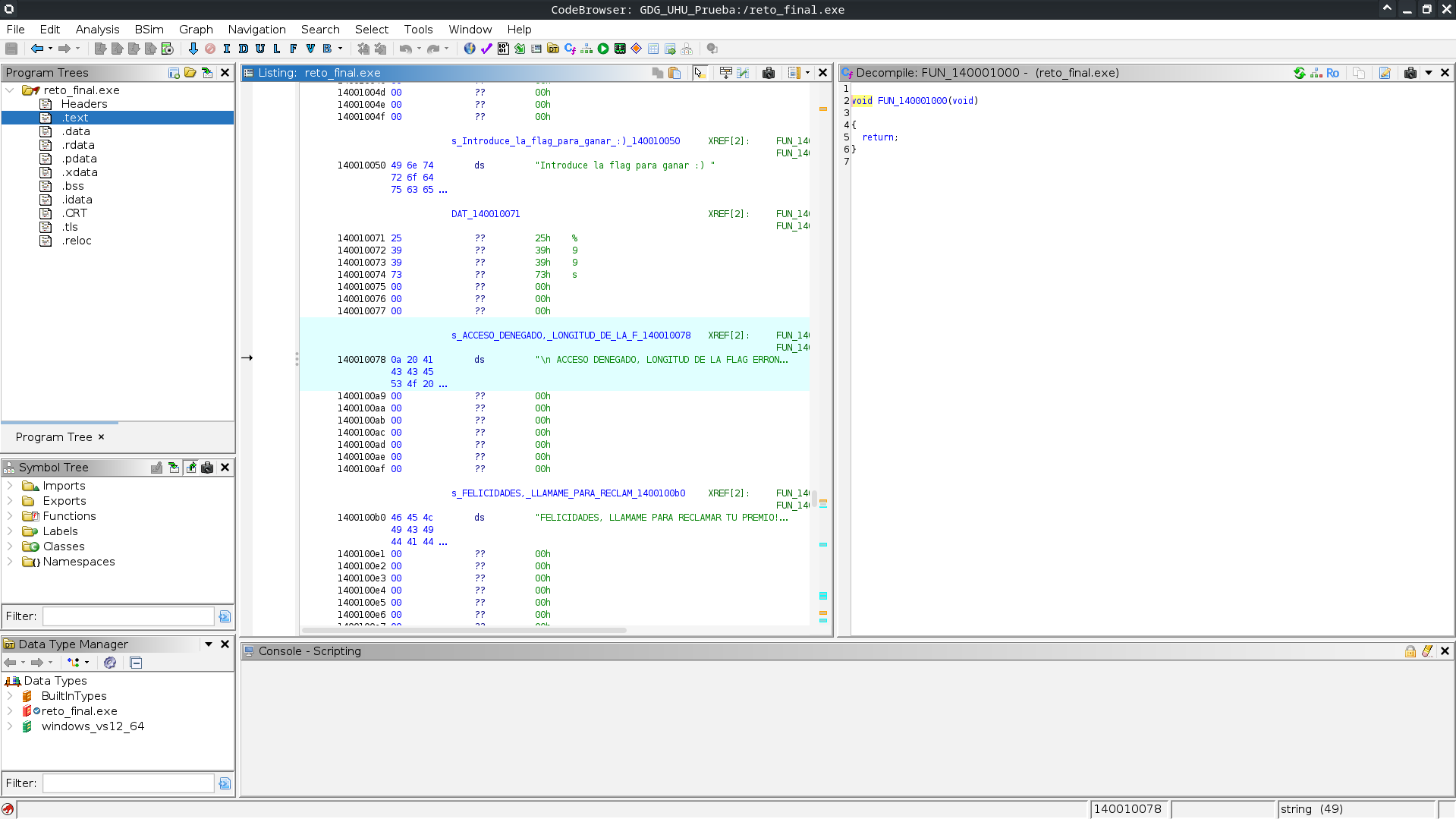
Now click on one of the functions of the section of the code highlighted after doing double click to the string we fount before.

The right window (Decompile window) will show us the code generated by Ghidra from the binary where the string was being used.
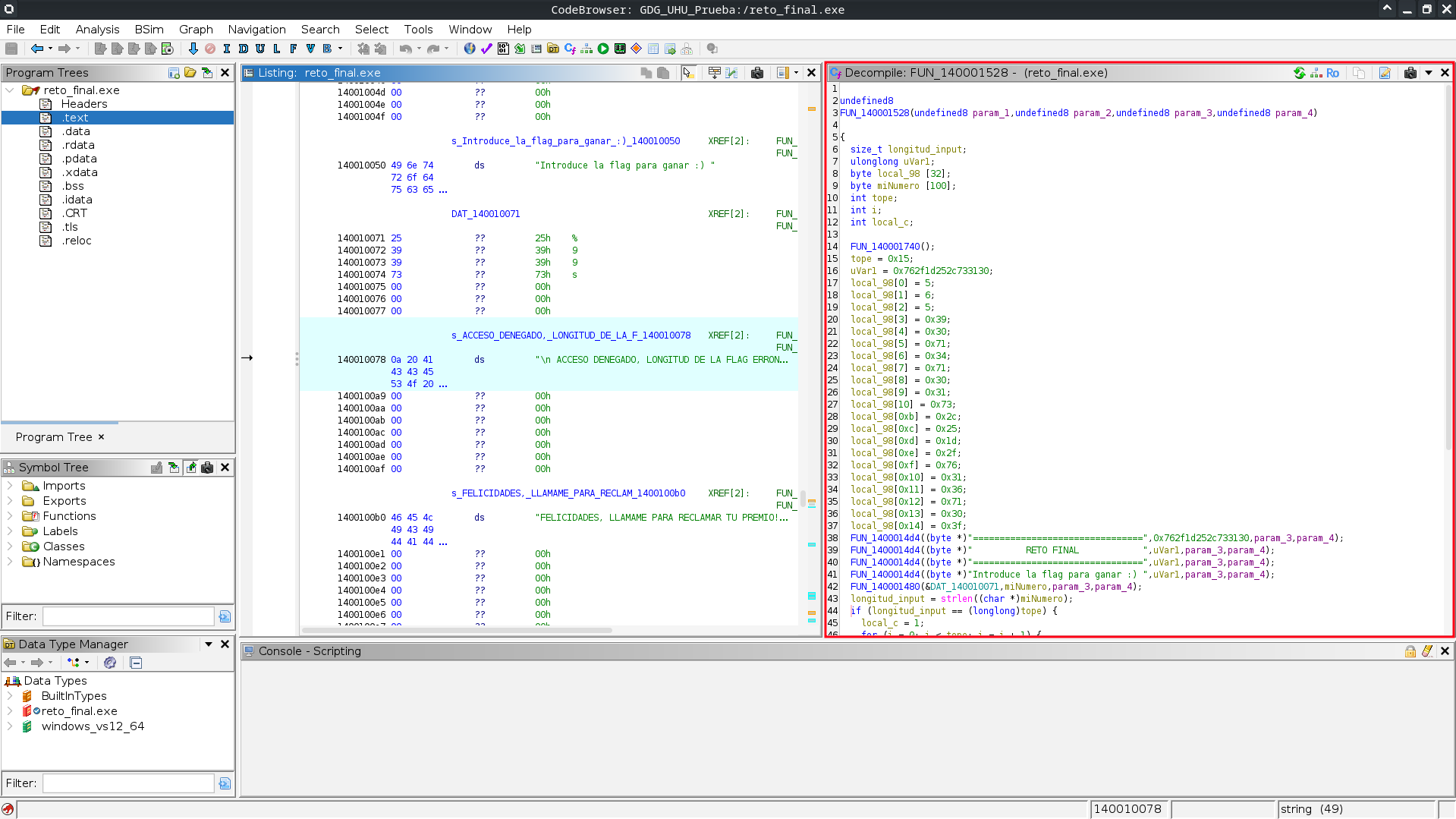
There you can have a view of the code.
undefined8 FUN_140001528(undefined8 param_1,undefined8 param_2,undefined8 param_3,undefined8 param_4)

{
  size_t longitud_input;
  ulonglong uVar1;
  byte local_98 [32];
  byte miNumero [100];
  int tope;
  int i;
  int local_c;

  FUN_140001740();
  tope = 0x15;
  uVar1 = 0x762f1d252c733130;
  local_98[0] = 5;
  local_98[1] = 6;
  local_98[2] = 5;
  local_98[3] = 0x39;
  local_98[4] = 0x30;
  local_98[5] = 0x71;
  local_98[6] = 0x34;
  local_98[7] = 0x71;
  local_98[8] = 0x30;
  local_98[9] = 0x31;
  local_98[10] = 0x73;
  local_98[0xb] = 0x2c;
  local_98[0xc] = 0x25;
  local_98[0xd] = 0x1d;
  local_98[0xe] = 0x2f;
  local_98[0xf] = 0x76;
  local_98[0x10] = 0x31;
  local_98[0x11] = 0x36;
  local_98[0x12] = 0x71;
  local_98[0x13] = 0x30;
  local_98[0x14] = 0x3f;
  FUN_1400014d4((byte *)"================================",0x762f1d252c733130,param_3,param_4);
  FUN_1400014d4((byte *)"          RETO FINAL            ",uVar1,param_3,param_4);
  FUN_1400014d4((byte *)"================================",uVar1,param_3,param_4);
  FUN_1400014d4((byte *)"Introduce la flag para ganar :) ",uVar1,param_3,param_4);
  FUN_140001480(&DAT_140010071,miNumero,param_3,param_4);
  longitud_input = strlen((char *)miNumero);
  if (longitud_input == (longlong)tope) {
    local_c = 1;
    for (i = 0; i < tope; i = i + 1) {
      longitud_input = (size_t)(uint)(int)(char)(miNumero[i] ^ 0x42);
      if ((int)(char)(miNumero[i] ^ 0x42) != (uint)local_98[i]) {
        local_c = 0;
        break;
      }
    }
    if (local_c == 0) {
      FUN_1400014d4((byte *)"Acceso denegado, no es la flag correcta",longitud_input,param_3,param_4
                   );
    }
    else {
      FUN_1400014d4((byte *)"FELICIDADES, LLAMAME PARA RECLAMAR TU PREMIO!!! ",longitud_input,
                    param_3,param_4);
    }
  }
  else {
    FUN_1400014d4((byte *)"\n ACCESO DENEGADO, LONGITUD DE LA FLAG ERRONEA \n",longitud_input,
                  param_3,param_4);
  }
  return 0;
}
5. Understanding the code
The code reads data from text input, compares the length of the input string with another variable which has the size of the string, in this case I changed the name of the variable to be tope and it’s value tope = 0x15; when hovering it, it show us some hints of what can it be 21 decimal.
So the length of the string must be 21.
On this part of the code we see our text input being compared with local_98[i] after applying XOR with base 0x42.
for (i = 0; i < tope; i = i + 1) {
      longitud_input = (size_t)(uint)(int)(char)(miNumero[i] ^ 0x42);
      if ((int)(char)(miNumero[i] ^ 0x42) != (uint)local_98[i]) {
        local_c = 0;
        break;
      }
    }
If the result of the XOR to each character of the input text is not equal to local_98[i], local_c will be 0 then the loop breaks and will not be 1 which is what we need to get the flag.
if (local_c == 0) {
  FUN_1400014d4((byte *)"Acceso denegado, no es la flag correcta",longitud_input,param_3,param_4
               );
}
else {
  FUN_1400014d4((byte *)"FELICIDADES, LLAMAME PARA RECLAMAR TU PREMIO!!! ",longitud_input,
                param_3,param_4);
}
At the begin of the file, we have the values asigned to local_98[].
local_98[0] = 5;
local_98[1] = 6;
local_98[2] = 5;
local_98[3] = 0x39;
local_98[4] = 0x30;
local_98[5] = 0x71;
local_98[6] = 0x34;
local_98[7] = 0x71;
local_98[8] = 0x30;
local_98[9] = 0x31;
local_98[10] = 0x73;
local_98[0xb] = 0x2c;
local_98[0xc] = 0x25;
local_98[0xd] = 0x1d;
local_98[0xe] = 0x2f;
local_98[0xf] = 0x76;
local_98[0x10] = 0x31;
local_98[0x11] = 0x36;
local_98[0x12] = 0x71;
local_98[0x13] = 0x30;
local_98[0x14] = 0x3f;
6. CyberChief to the rescue!
We can use CyberChief to see what we get from the hex values after applying XOR with 0x42 base.
Type HEX in operations search , then drag and drop From HEX to the recipe container.
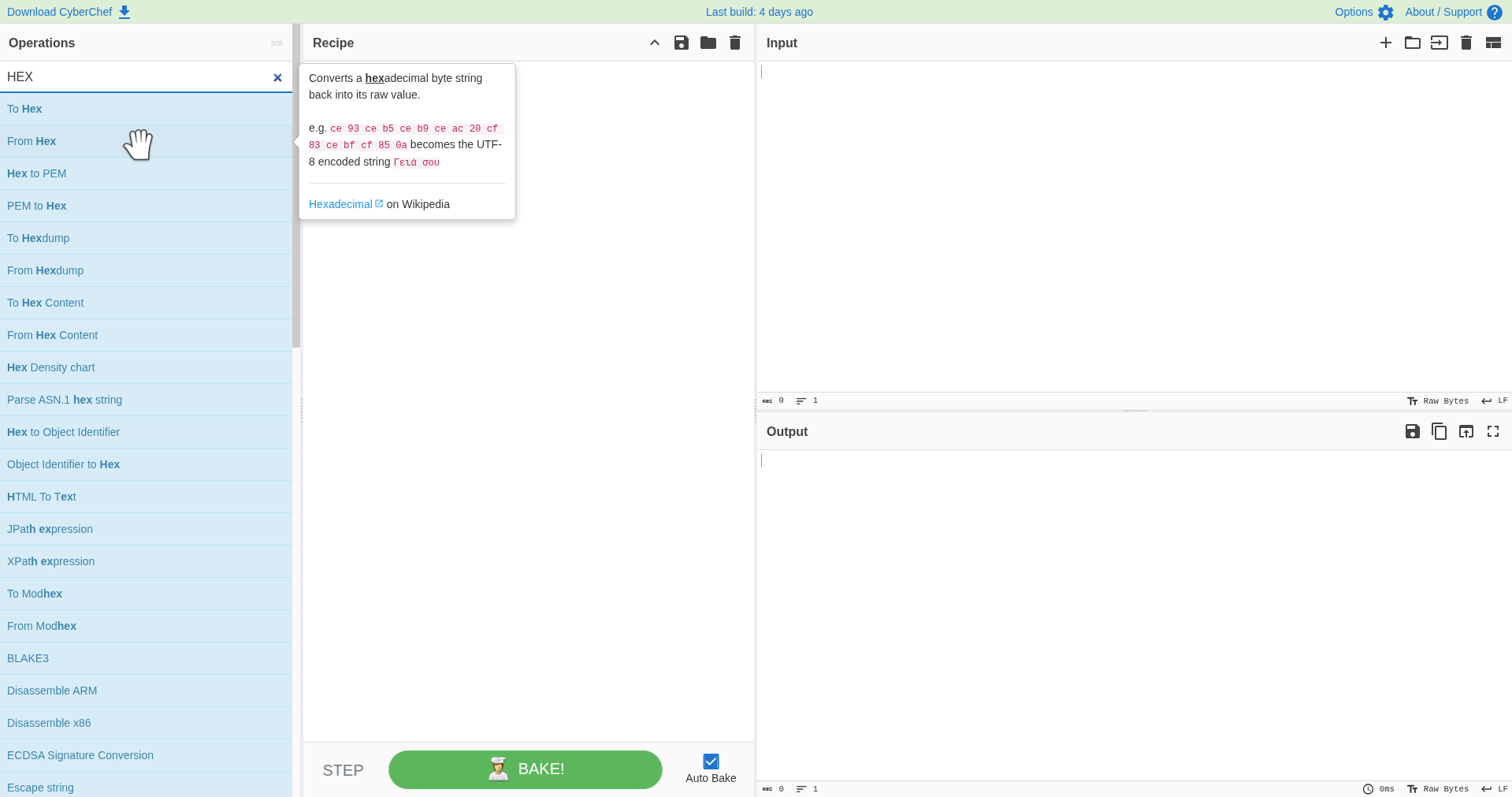
In operations filter, type XOR and drag and drop it under the From HEX block.
Also, don’t forget to set the key to 42 as you could see from (miNumero[i] ^ 0x42).
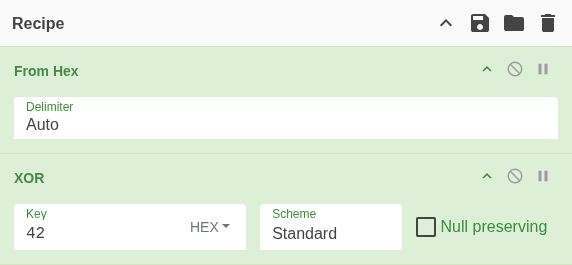
Then we can dump the HEX values of the local_98[] in the same order and write them on the Input box of CyberChef.
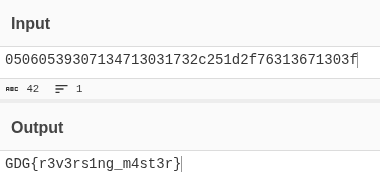
The string of all the HEX values on a line should be this 05060539307134713031732c251d2f76313671303f.
The 3 first values:
local_98[0] = 5;,local_98[1] = 6;,local_98[2] = 5;must have a 0 before, as all the following values oflocal_98[].
So after pasting this into the input, we can have the value needed to get the winner message.
7. Checking if we won
It’s as easy as runing the program with the text we got earlier.
Then we can enter GDG{r3v3rs1ng_m4st3r} to the input of the .exe.

Et voilà! Winner winner chicken dinner.
Extra
There is a memmory of the event.
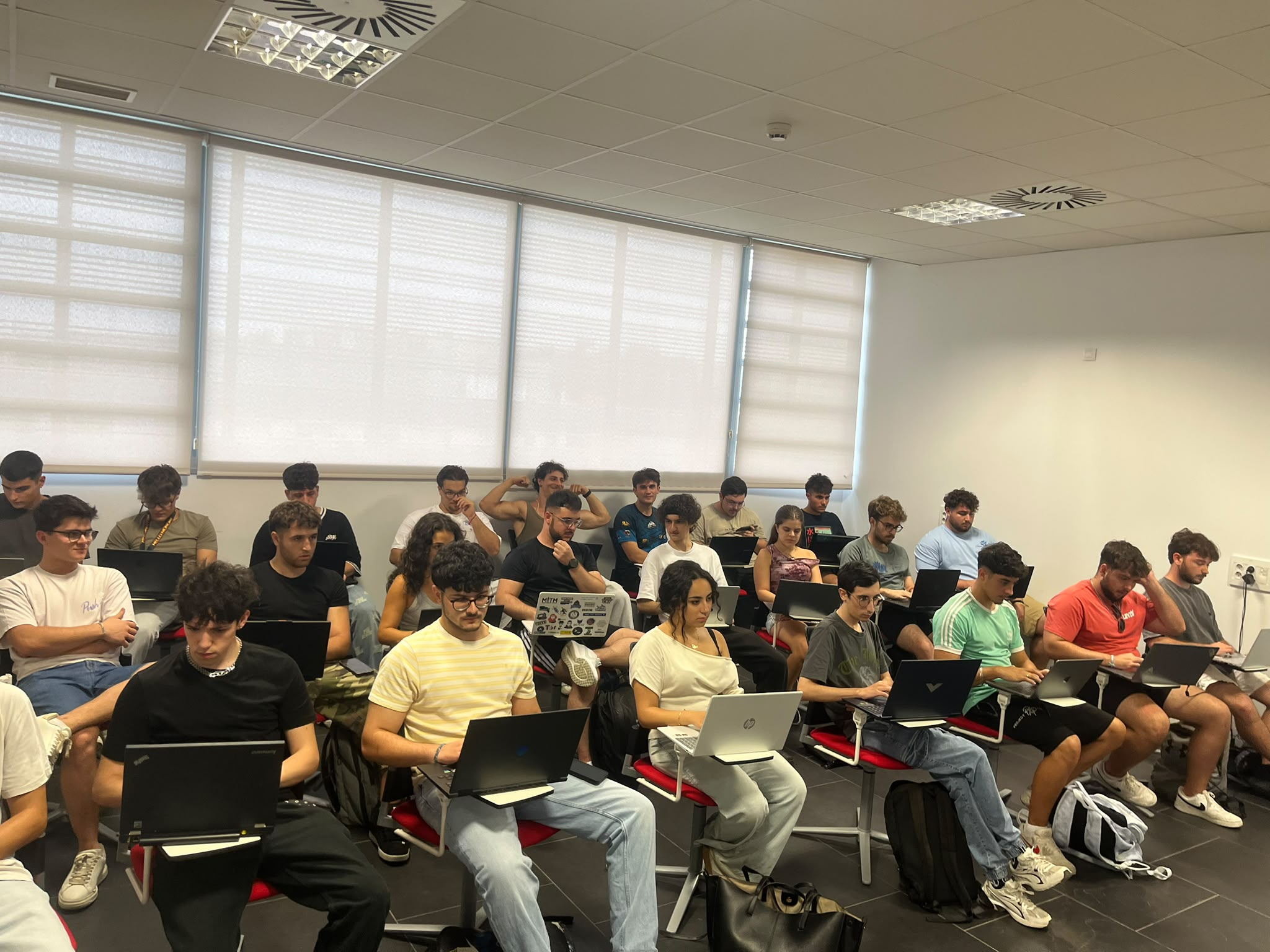
By the way, I’m the one with the laptop covered of dev/hacker stickers.
Found myself as a shiny pokémon on the image.
Thank you to the guy next to me which also helped using Ghidra.
Thank you for reading. <3